All guide pages
Welcome to DesignerXStudio launcher & favouritesSaving & My DesignsTemplatesExporting & printingShortcuts & everyday toolsDesignChiselLithophaneKeychainClickerMesh BoxBeadsMore tools & pagesTroubleshooting & FAQStart here
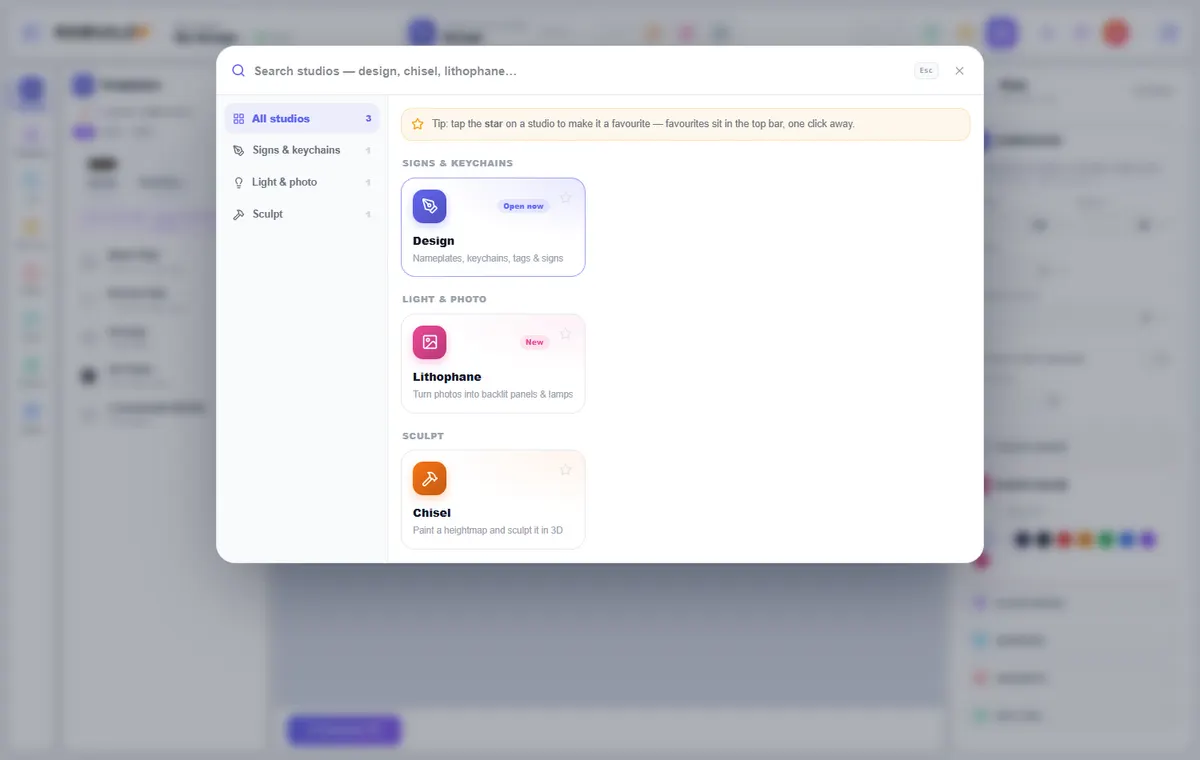
Welcome to DesignerXTurn a name, a logo or a photo into a model you can 3D print — in your browser.
Studio launcher & favouritesFind any studio fast, and pin the ones you use most.
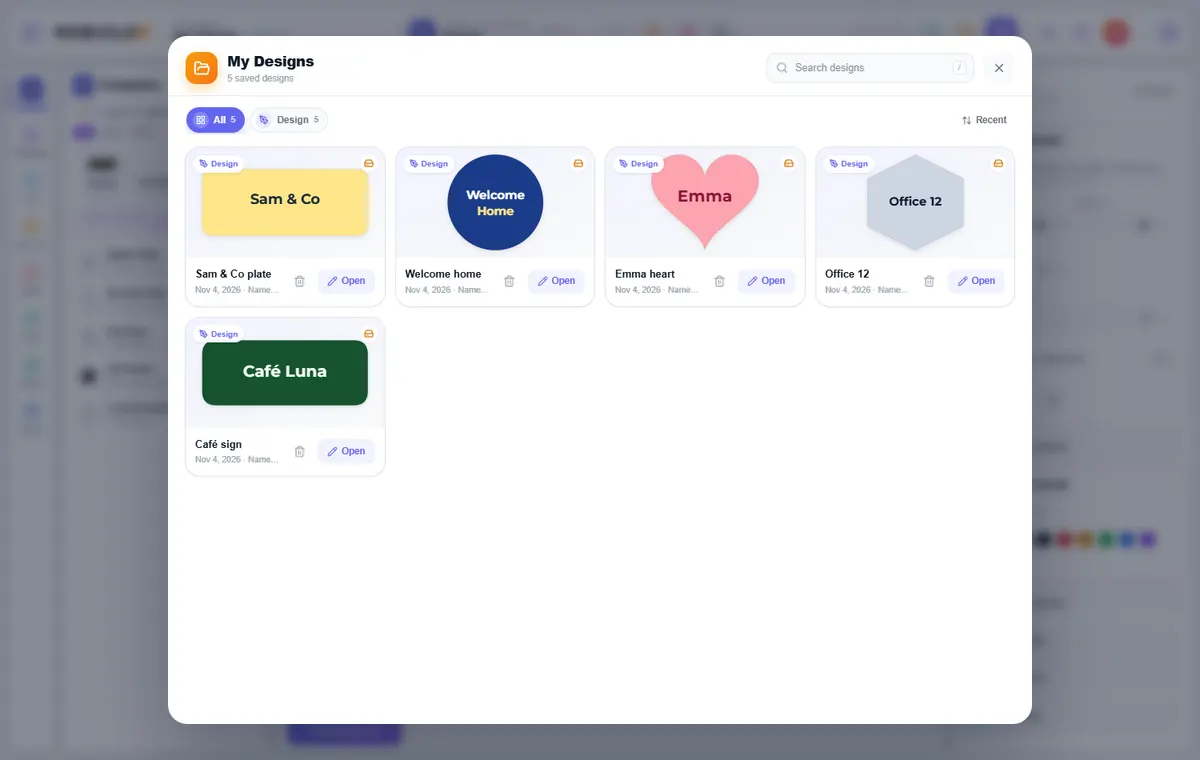
Saving & My DesignsEverything you save is in one place, with a real 3D thumbnail.
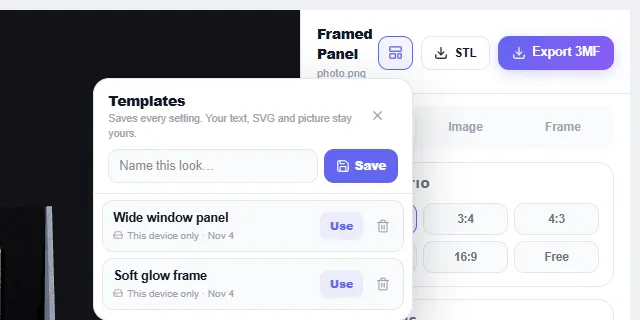
TemplatesSave a look once, reuse it on any text, logo or photo.
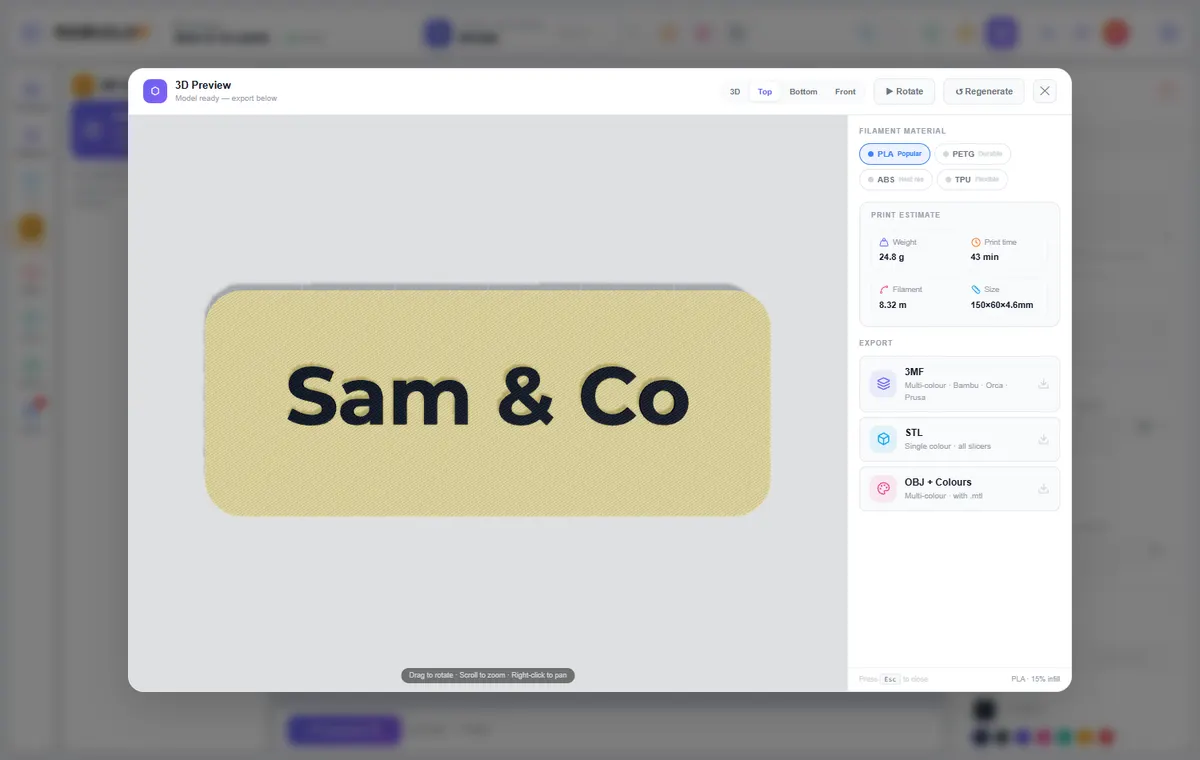
Exporting & printingSTL for any slicer, 3MF for colours, and tips for a clean first print.
Shortcuts & everyday toolsThe small things that save time in every studio.
Studios
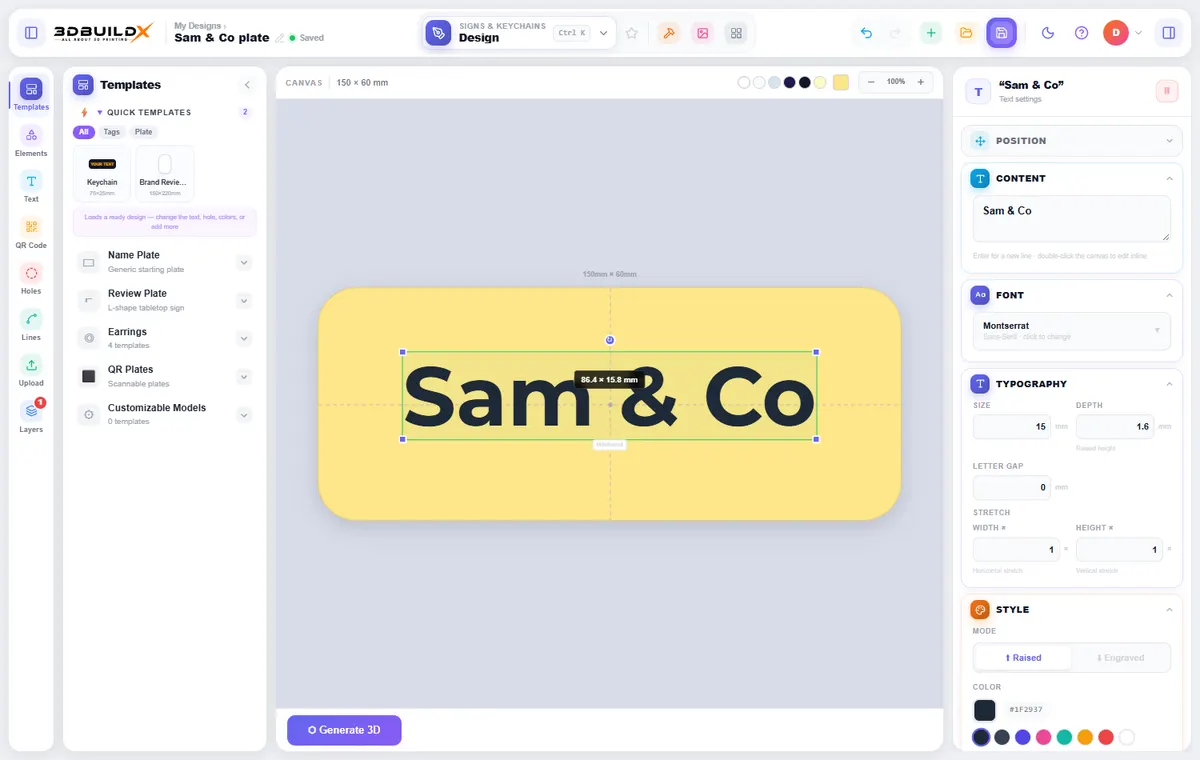
DesignNameplates, keychains, tags, QR plates and signs on a plate you shape yourself.
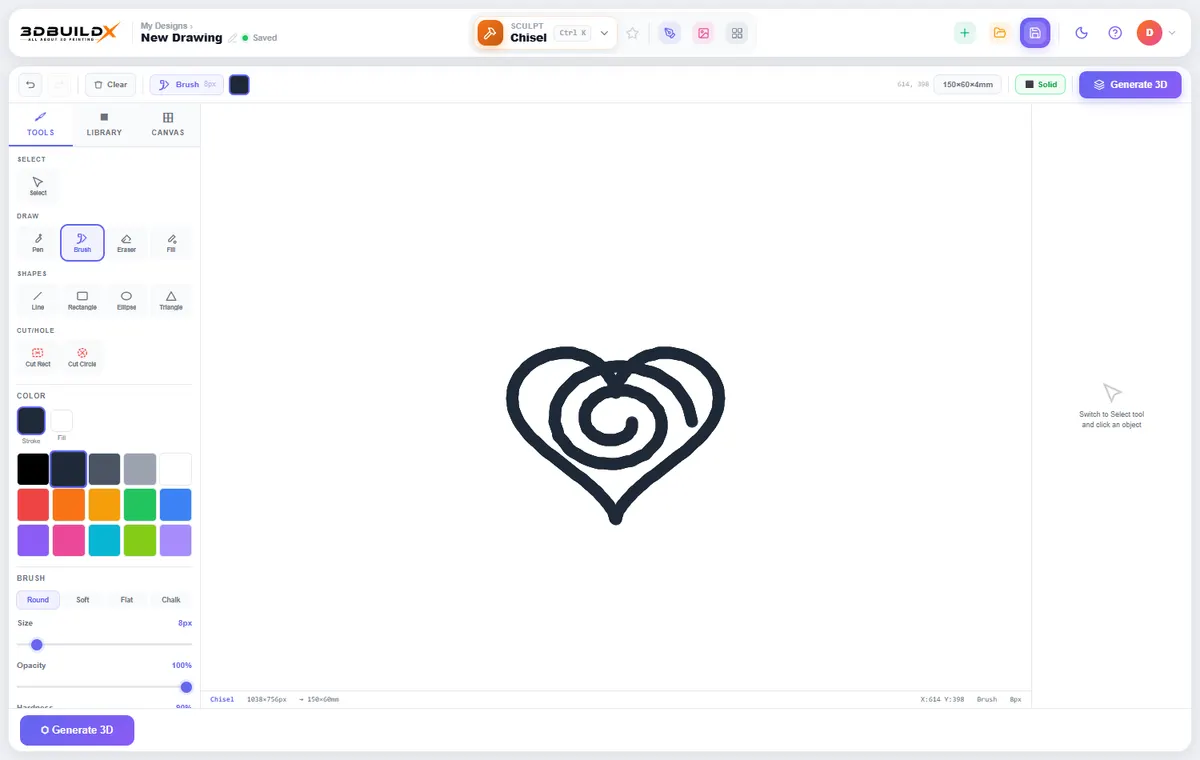
ChiselDraw freehand and turn the drawing into a 3D-printable model.
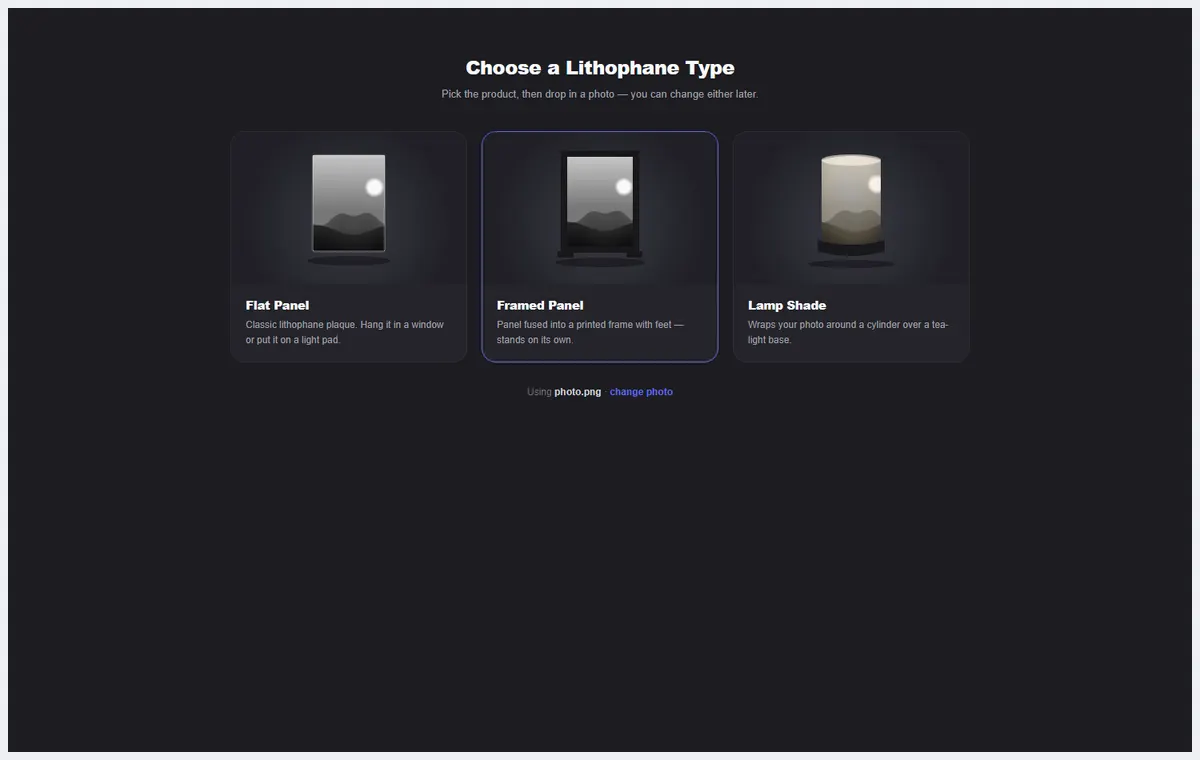
LithophaneTurn a photo into a panel or lamp shade that glows when lit from behind.
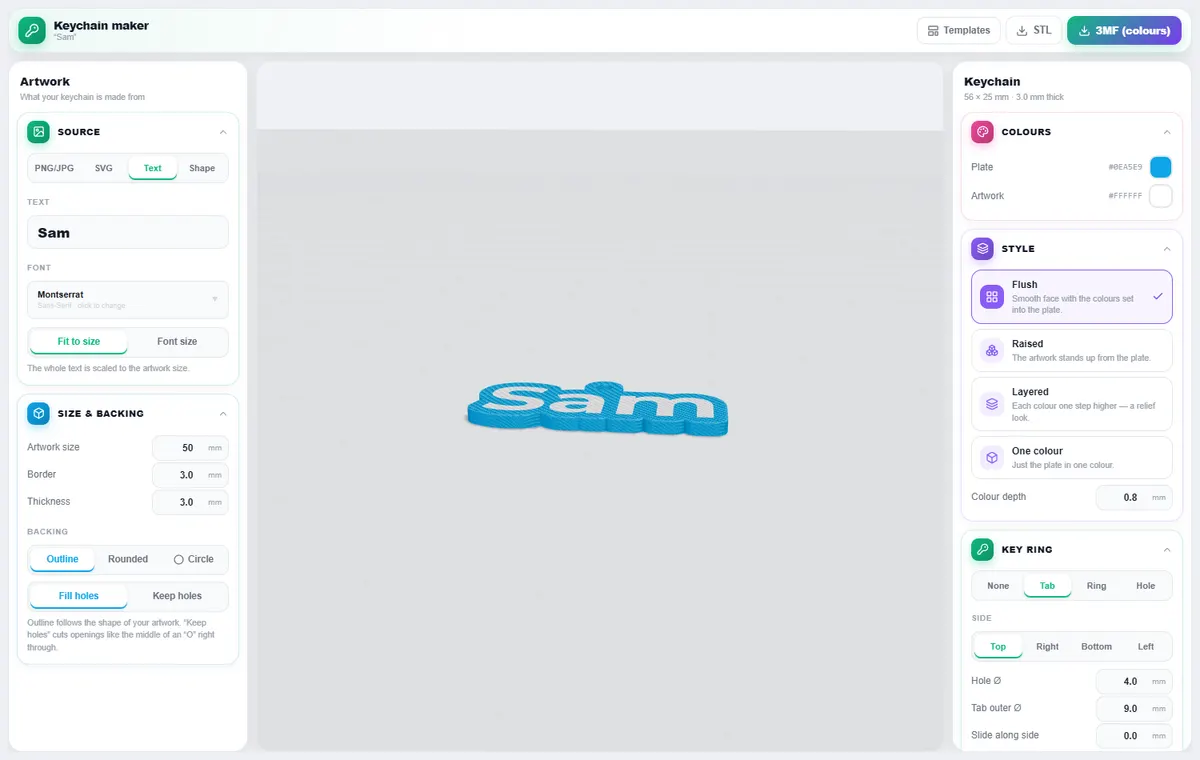
KeychainTurn an SVG, PNG, text or shape into a keychain.
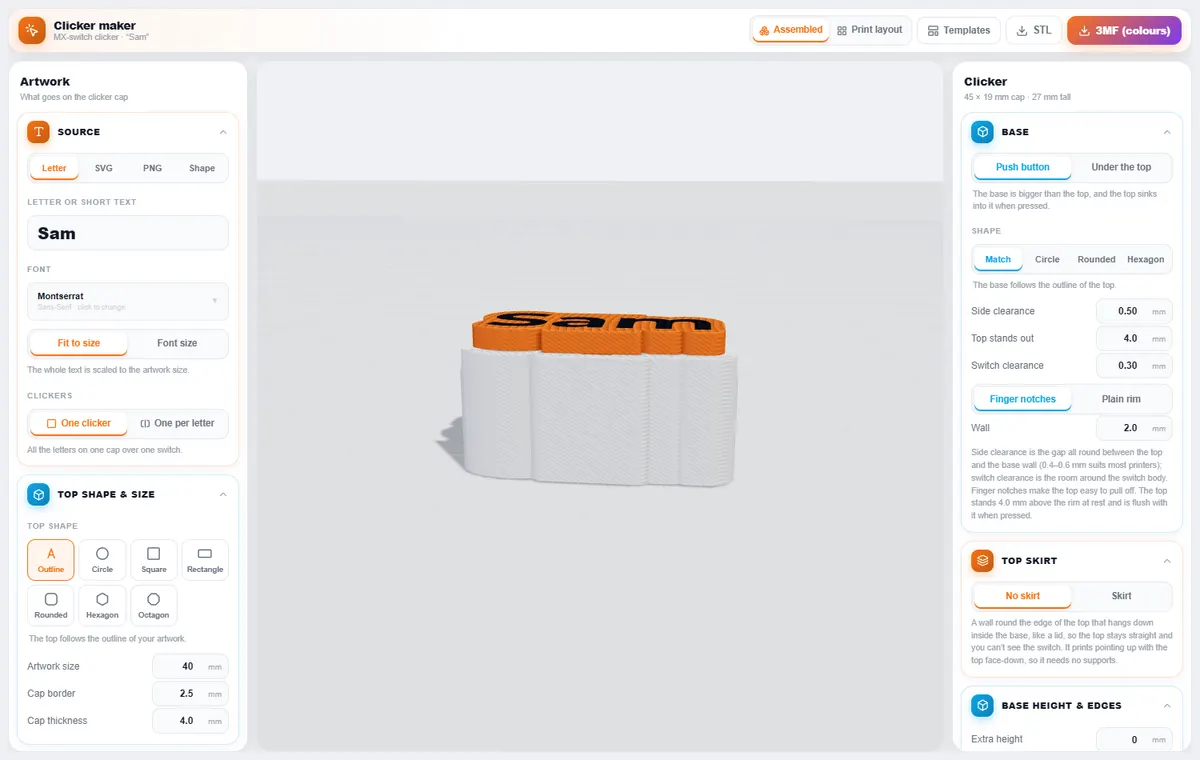
ClickerFidget clickers built around a keyboard switch.
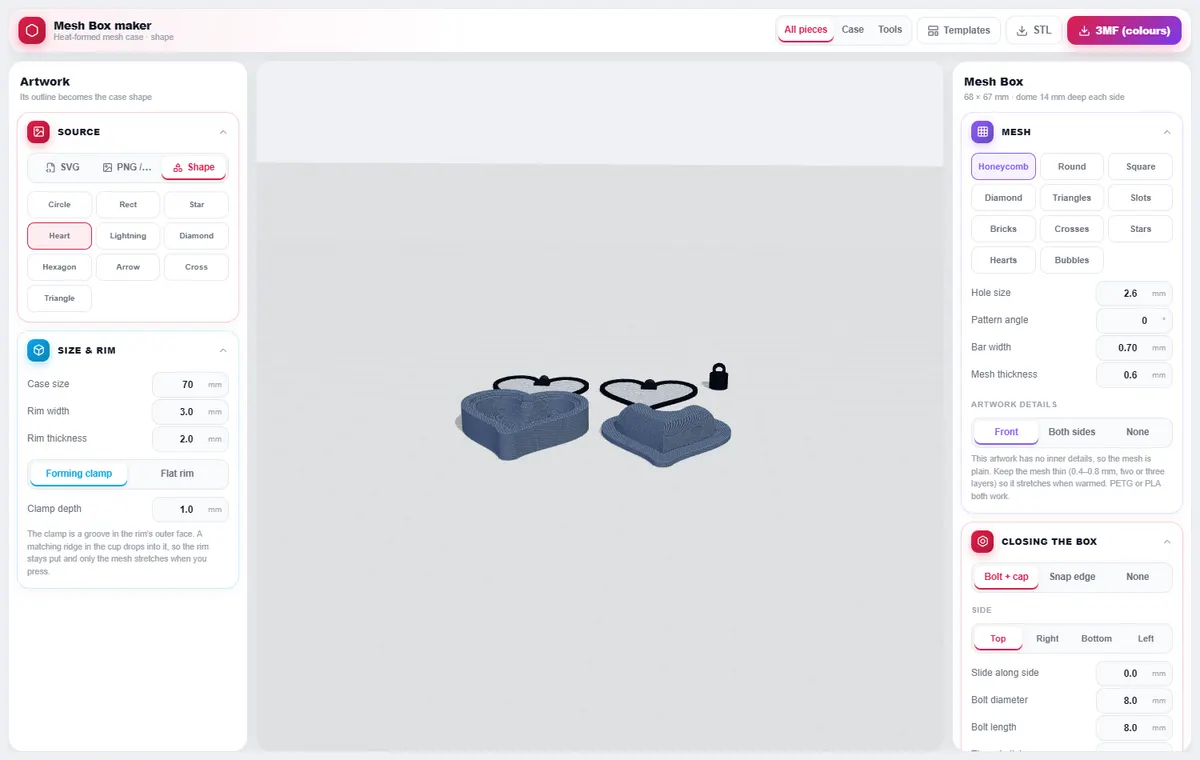
Mesh BoxHeat-formed mesh cases with printable forming tools.
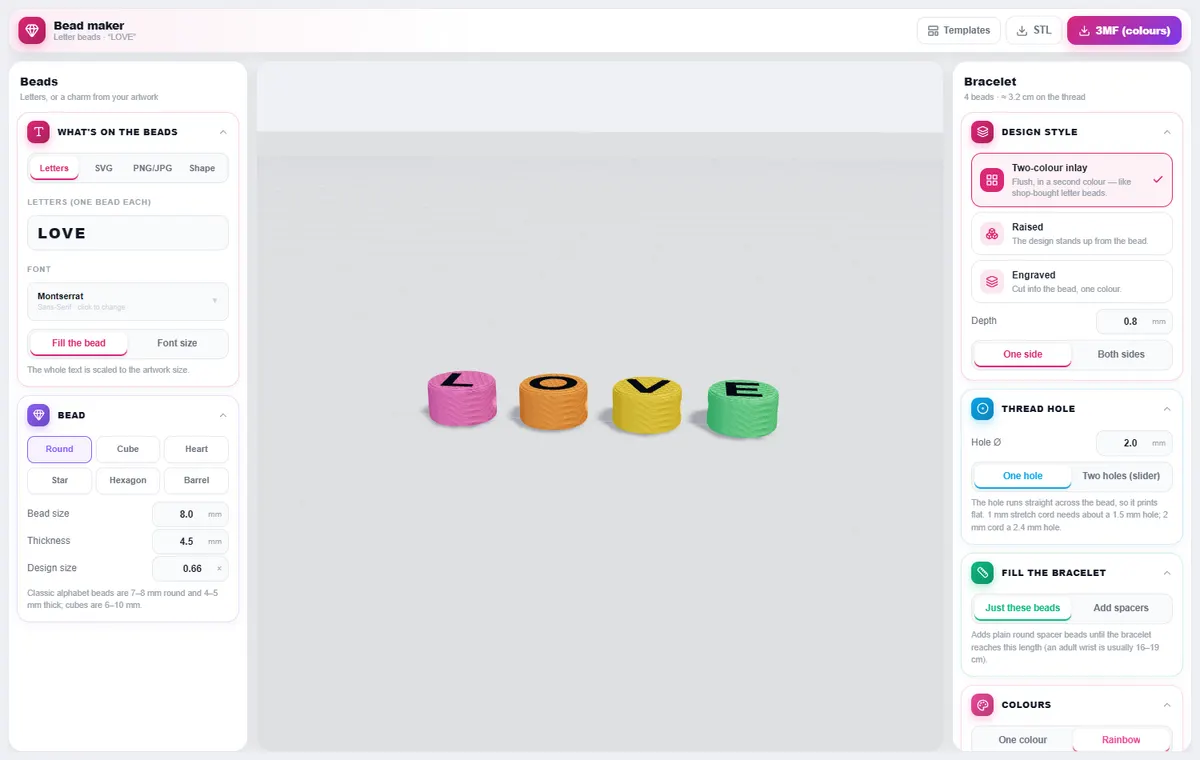
BeadsLetter and charm beads for bracelets, with a thread hole.
Help
Ready to make something?
DesignerX is free to use in your browser. Print the result on your own printer, or have 3DBuildX print it in Cambridge, Ontario.