All guide pages
Welcome to DesignerXStudio launcher & favouritesSaving & My DesignsTemplatesExporting & printingShortcuts & everyday toolsDesignChiselLithophaneKeychainClickerMesh BoxBeadsMore tools & pagesTroubleshooting & FAQFlat plates with raised or engraved text and shapes — name plates, door signs, keychains, tags, earrings, QR plates and review stands.
How to use it
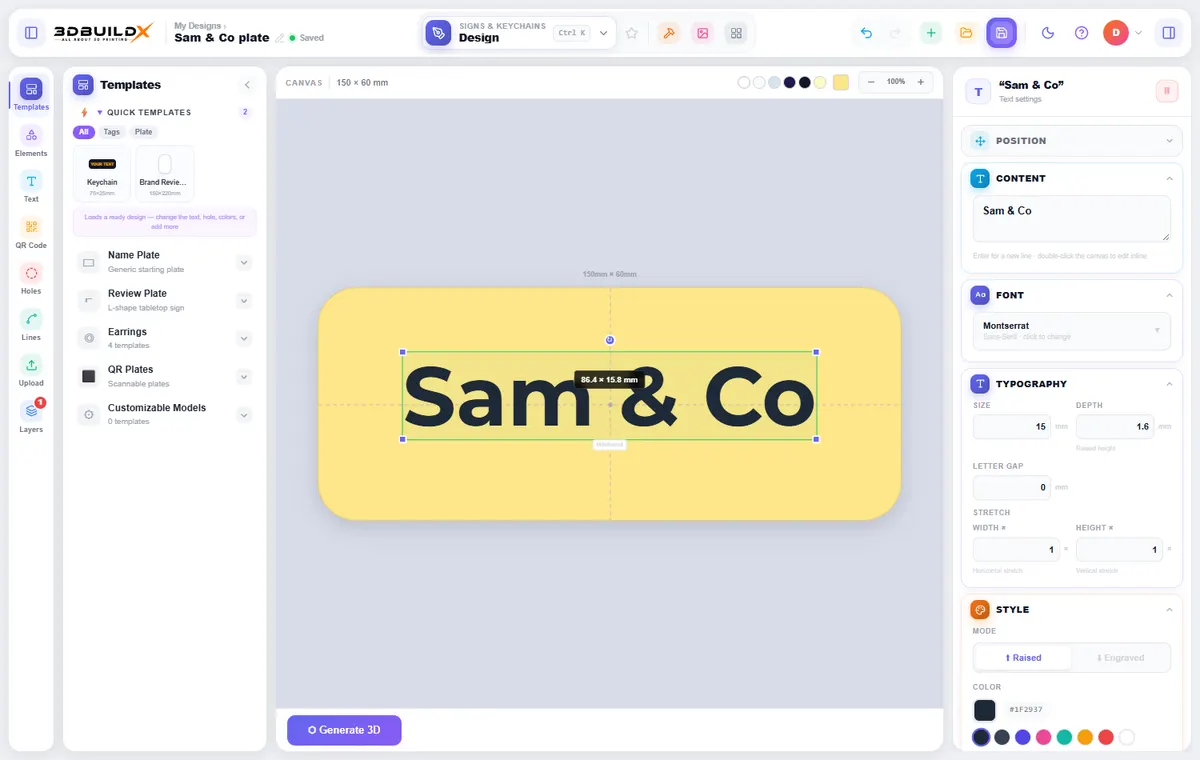
- Start from a Quick template (Name Plate, Review Plate, Earrings, QR Plates…) or the blank plate.
- Set the plate in the right panel: size, depth, corner radius, shape, colour, bevel, borders.
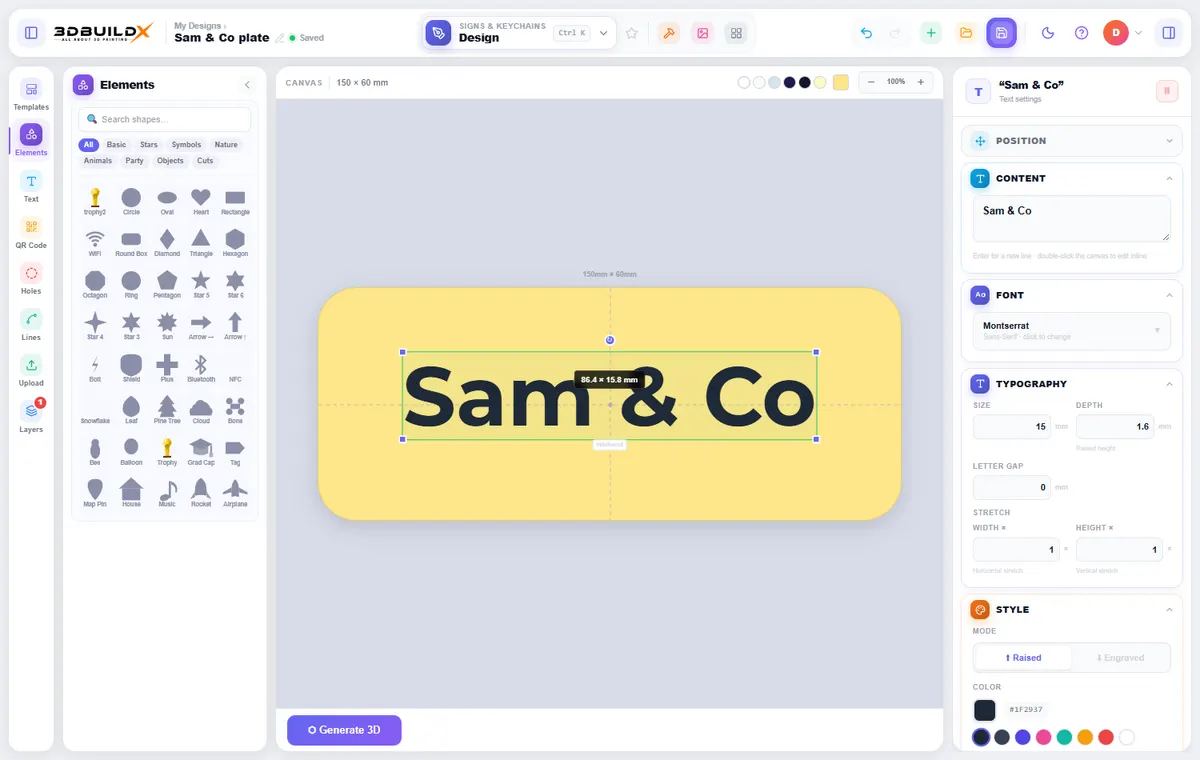
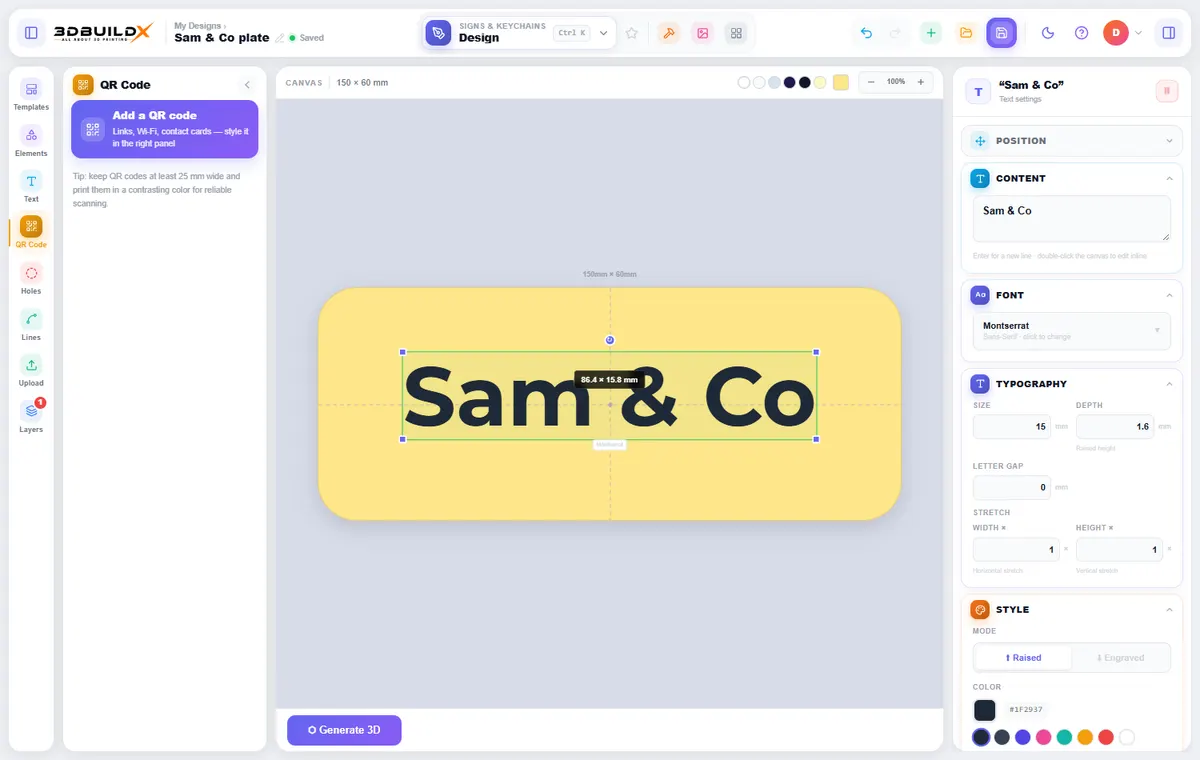
- Add objects from the left rail: Text, Elements (shapes), QR Code, Holes, Lines, Upload (SVG/PNG).
- Click an object to select it. Drag to move, use the corner handles to resize and the round handle to rotate. Double-click text to edit it on the canvas.
- Choose Raised or Engraved for each object, and its colour and depth.
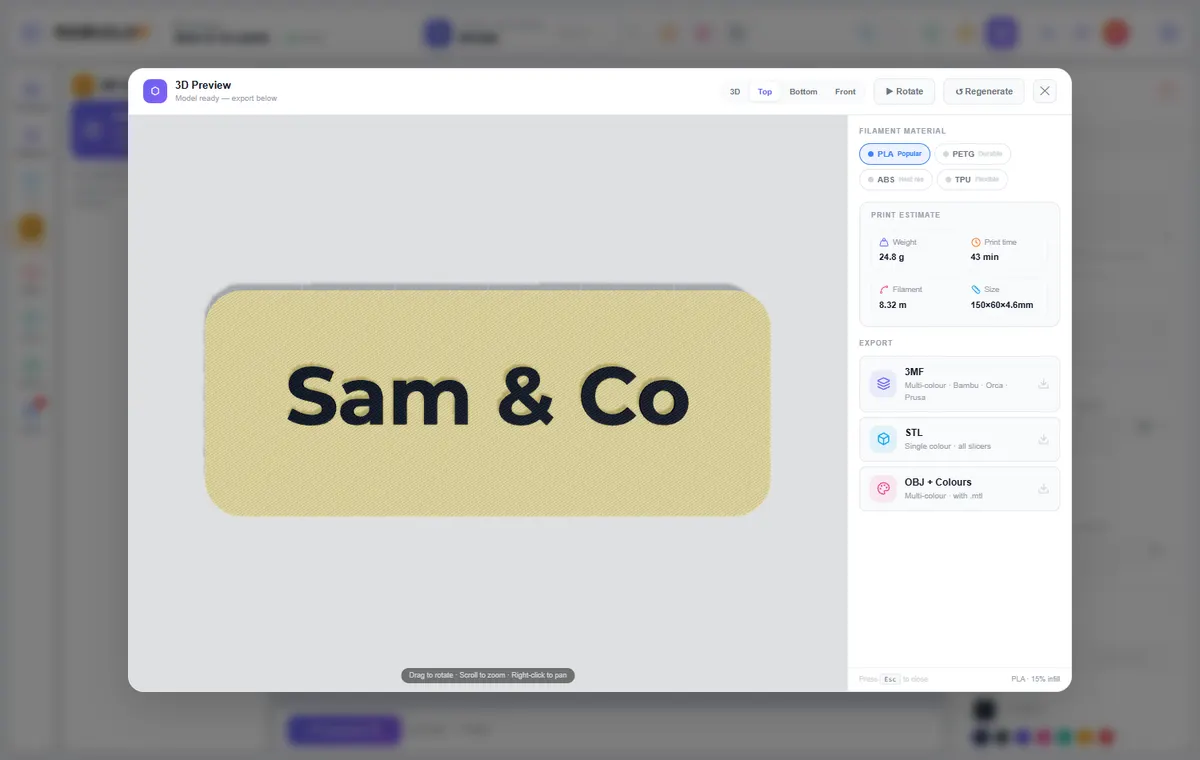
- Press Generate 3D, check the preview, then export 3MF, STL or OBJ + colours.
What you can do
Plate
Rounded rectangle, circle, oval, polygons, star, heart, shield, squircle, your own SVG outline, or a text-shaped cloud. Per-corner radius, rotation, bevels and multiple borders.
Text
40+ fonts and your own uploads, size, depth, letter gap and width/height stretch, with multi-line support.
Raised vs engraved
Raised objects sit on top of the plate. Engraved objects are cut into it (shown with a red dashed outline). Cut shapes punch right through the plate.
Holes & hanging
Add keyring holes and cut-outs from Holes, and place them anywhere on the plate.
Magnets & NFC
Pockets for magnets and NFC stickers, so you can add a fridge magnet or tap-to-open tag.
QR codes
Styled QR codes for links, Wi-Fi and contacts, with an optional logo.
Layers
The Layers tab lists every object so you can reorder, hide, lock or delete it. A badge shows how many there are.
Quick templates
Press Save current design as template to keep a starting point of your own.
Tips
Keep text at least 6 mm tall and 1 mm deep for clean prints.
A banner warns you when an object extends past the plate; it will be clipped when printed.
Object size is in real millimetres — what you see is what prints.
Looking for the overview? See Free Custom 3D Printed Name Plate Maker.
Try it yourself
DesignerX is free to use in your browser. Create a free account to save your designs.